











How many XPN Rewards do you want to use?


YnTex
Product details
Adapter Socket: PCI-E
Applicable Network Type: Gigabit Ethernet
Application: Desktop
BT Compatibility: BT 5.3 /BT 5.2 /BT 5.1 /BT 5.0 /4.2 /4.0
Bluetooth Protocol: Bluetooth 5.3
Brand Name: fenvi
Certification: CE
Choice: yes
Frequency: 6 GHz
Frequency Band Class: Tri-Band
Heat dissipation: Support
High-concerned chemical: none
Interface Type: PCI Express
Kind: Internal
Lan Transmission Rate: 1000M Ethernet
Length: 17CM
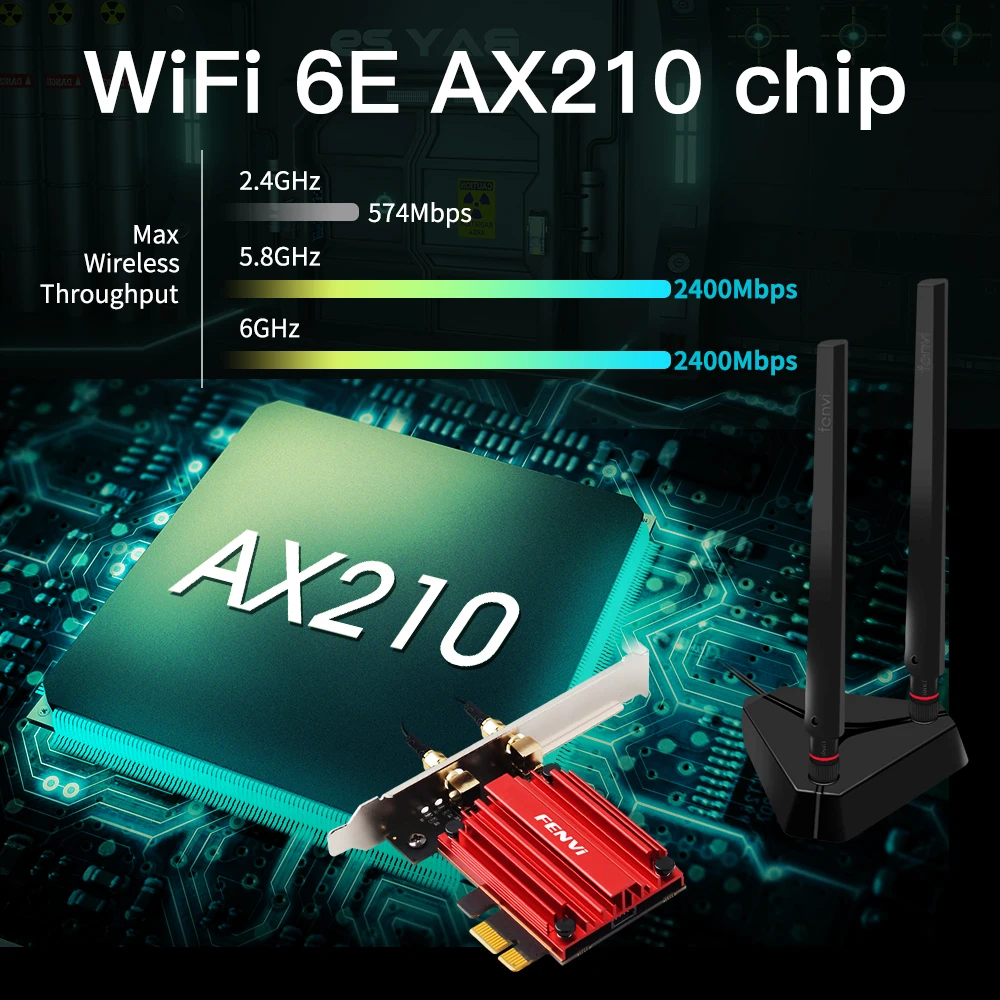
Max Speed: 2400Mbps @ 6G + 2400Mbps @ 5G + 574Mbps @ 2.4G
Model Name: PCE-AXE3000Pro
Model Number: PCE-AXE3000Pro
Origin: Mainland China
Package: Yes
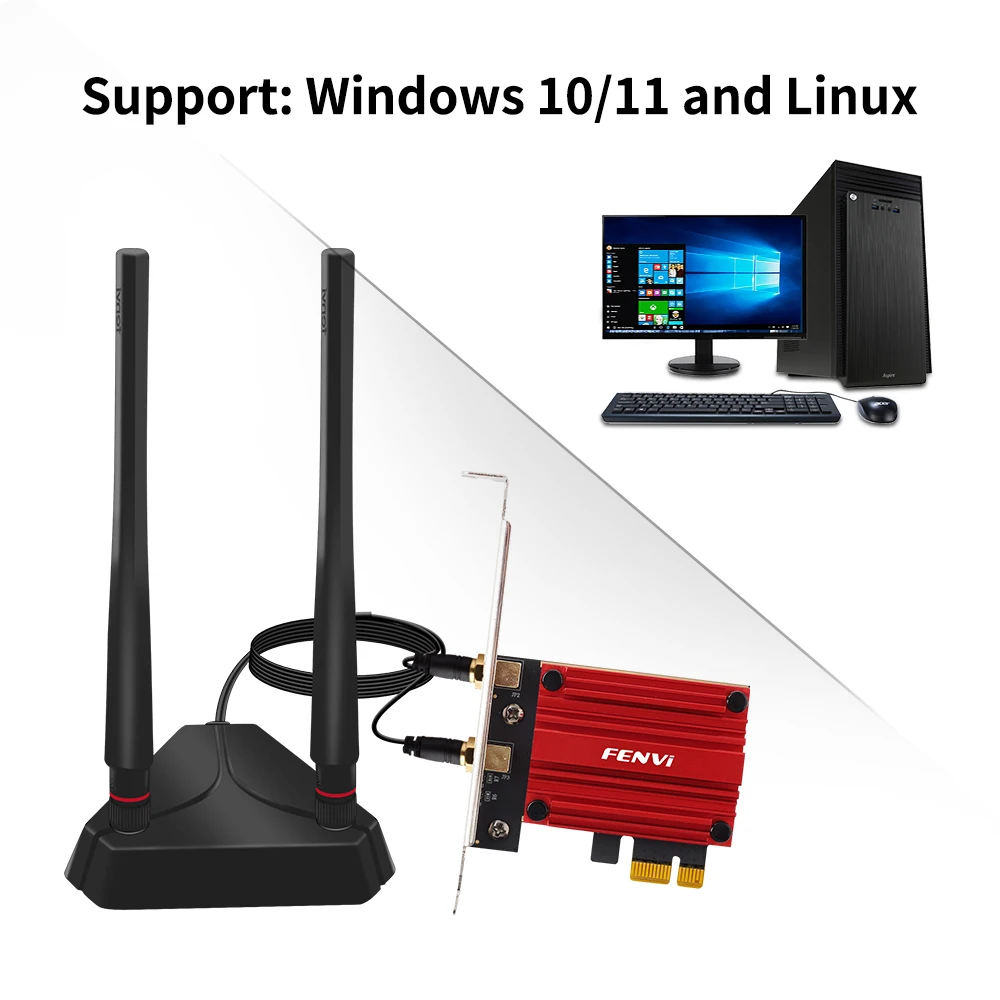
System Compatibility: Windows 10/11 64-bit and Linux
Transmission Rate: 1000Mbps
Transmission Speed: 1200 Mbps
Type: WireLess
Wi-Fi Supported Frequency: 2.4G & 5G
Wired Interfaces: none
Wired socket: none
Wired transmission rate: none
Wireless Communication Standard: 802.11.ax
Wireless Protocol: 802.11n,802.11a/g,802.11ac
Wireless socket: PCI-E
Wireless transmission rate: 5000M
5374Mbps Wi-Fi 6E AX210 For Bluetooth5.3 2.4G/5G/6Ghz 802.11AX/AC Wireless PCIE WiFi Adapter Network Card Support Win10/11
Brand: FENVI;
Model: PCE-AXE3000Pro PCI-E PC wifi adapter
Chipest: AX210 Chipset;
New Wi-Fi with Blutetooth 5.3;
Standard IEEE: 802.11ax/ac/a/b/g/n;
Dual Band 2.4Ghz-300Mbps/5Ghz-2400Mbps;
Note: Speed up to 2400Mbps (The router must support 802.11ax);
Support MU-MIMO;
Operating Systems: Only Support Windows 10/11*64bit and Linux;
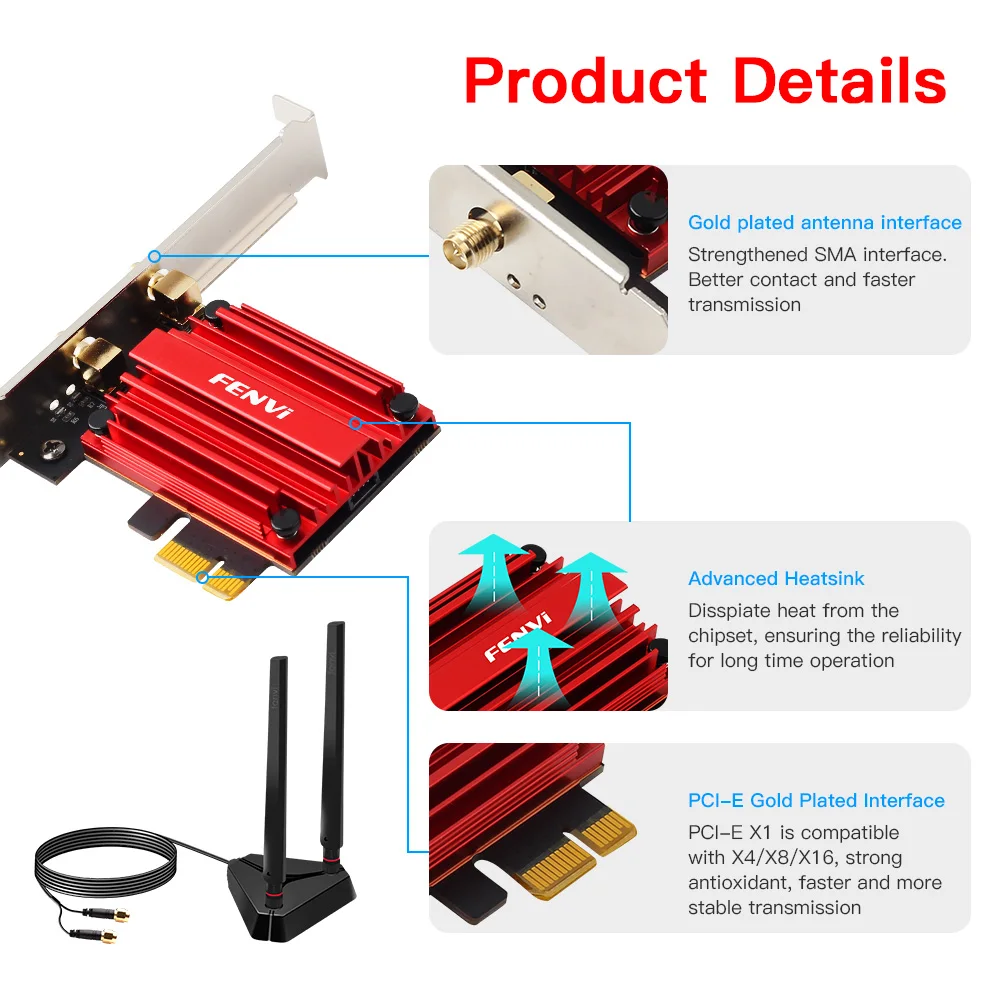
Compatibility With: Almost computer with PCI Express (PCI-E 1X/4X/16X slot) Intertaces;
Specially-designed heatsink ensures stable and reliable continuous operation;
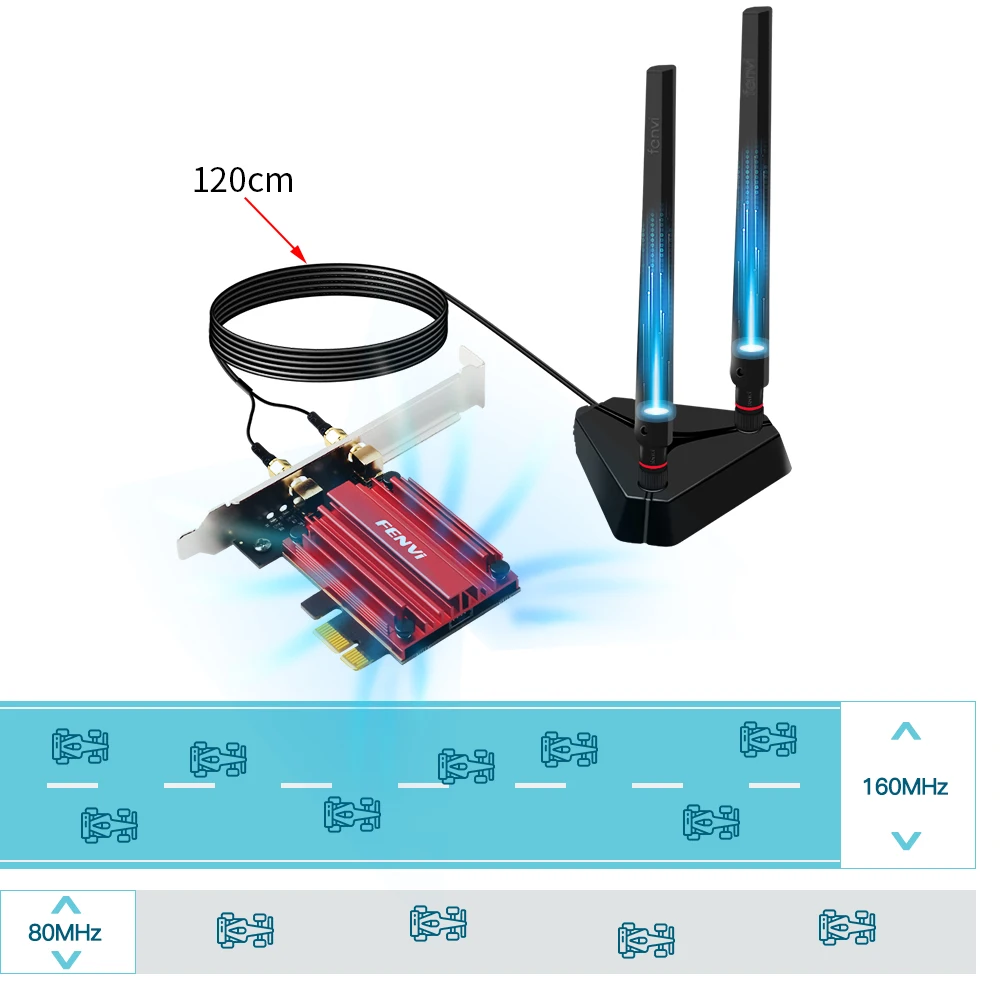
6DBi high gain antennas get the better signal reception;
Driver download: You can download the driver on fenvi website or you can ask for us.


Q1: Does it work on AMD chipset motherboard?
A: Yes, support work on AMD, if not, please contact Customer Service for help.
Q2: Does it support Linux system?
A: Sorry, dear. currently we only provide Win 10 and Win 11 driver, no Linux service.
Q3: Does it support WiFi and Bluetooth function?
A: Yes, both support. But please pay attention to that the drivers for WiFi and Bluetooth are separate and you need to install two drivers.
Q4: The bluetooth doesn't work, what should I do?
A: Please connect the 9-pin USB cable (black) included in the package to the 9-pin USB 2.0 interface on the motherboard. The white end connects to the pcie network card adapter socket. Then install the bluetooth driver.
Q5: The WiFi doesn't work, what should I do?
A: ① Check whether the device wifi is recognized by the computer in the device manager. If there is a network controller with a yellow exclamation mark, please install the wifi driver. If the driver is already installed, a yellow warning will still be displayed. Please right-click, click Update, and select the driver file path to manually update.
② Check whether there is an M.2 hard disk on the motherboard, which may cause a hardware function conflict. The M.2 hardware in the parallel channel needs to be unplugged.
Check that the antenna connection is secure.
* For some AMD motherboard computers, you may need to enter the BIOS to set some options of pcie. Set the PCIe speed to Gen3 (Auto, Gen 1, Gen 2, and Gen 3).
* If your desktop computer has built-in wifi function, please turn off the built-in wifi when using it on the desktop computer.
Q6: How can I get the driver?
A: You can download the driver on FENVI website or From Intel website(Search WIFI 6E AX210)
Q7: The motherboard has built-in wifi, but wifi 5 is a bit slow, can I buy this adapter for upgrade?
A: If your PC has an open PCI-E slot, you can use it to upgrade. But when installing this adapter, you have to disable the built-in card.
Q8: The WiFi speed cannot reach 2400Mbps on 6GHz/5GHz? Unrecognized or wifi speed slow down after using for a while?
A: ① The Maximum wireless signal rates are the physical rates derived from IEEE Standard 802.11 specifications. Actual wireless data throughput and wireless coverage, and the number of connected devices is not guaranteed and will vary as a result of network conditions, AP limitations, and environmental factors, including building materials, obstacles, volume and density of traffic, and AP location.
② You can try different things by changing different pcie slots (pcie×16 available).
* Please note that 6GHz Wi-Fi is only available for Win 11 or upgrading to Win 10 Dev version; Speed up to 5GHz/6GHz-2400Mbps; (The router must support 802.11ax,160MHz)