





YnTex
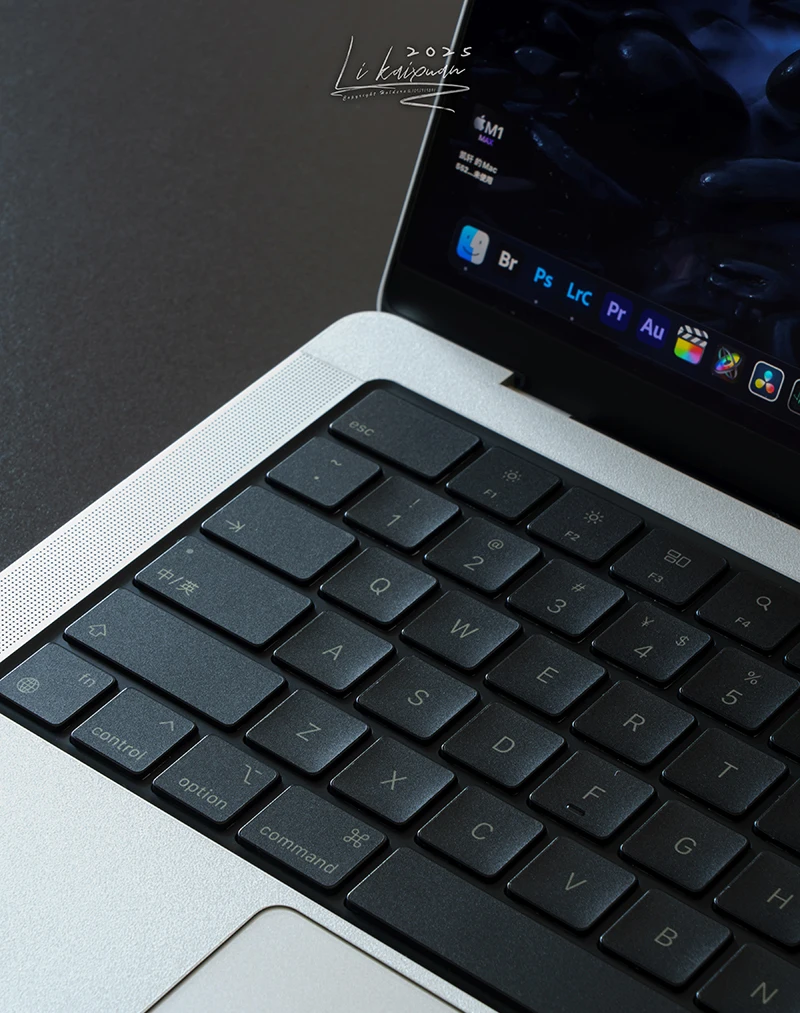
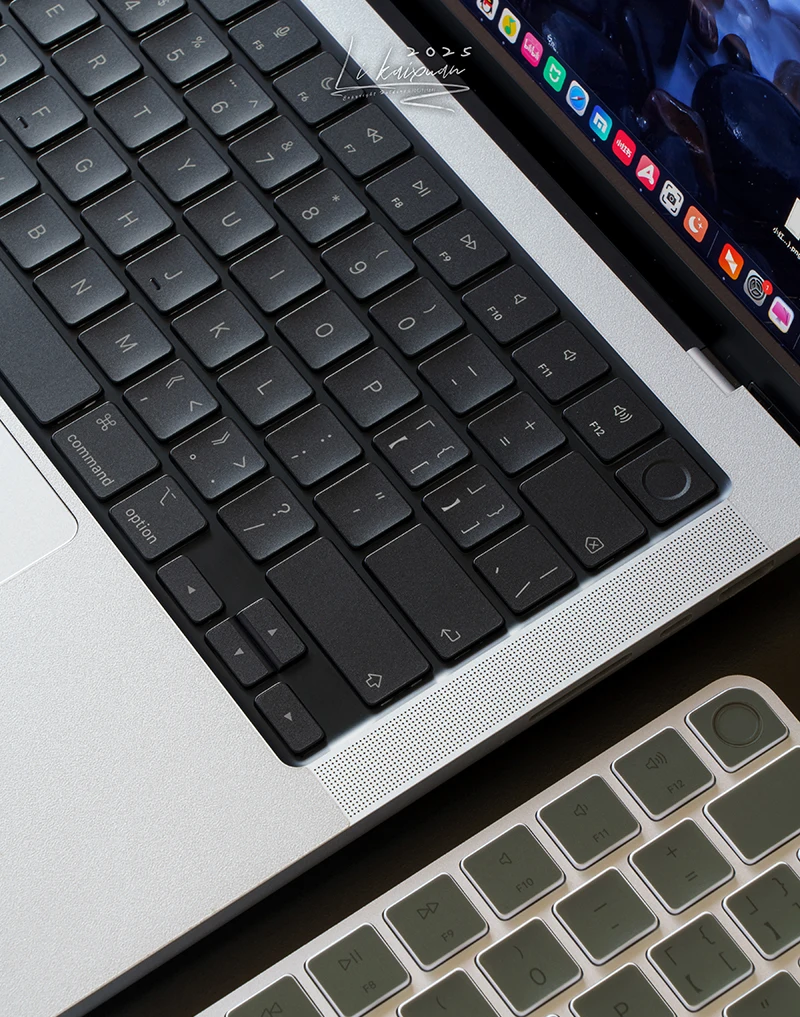
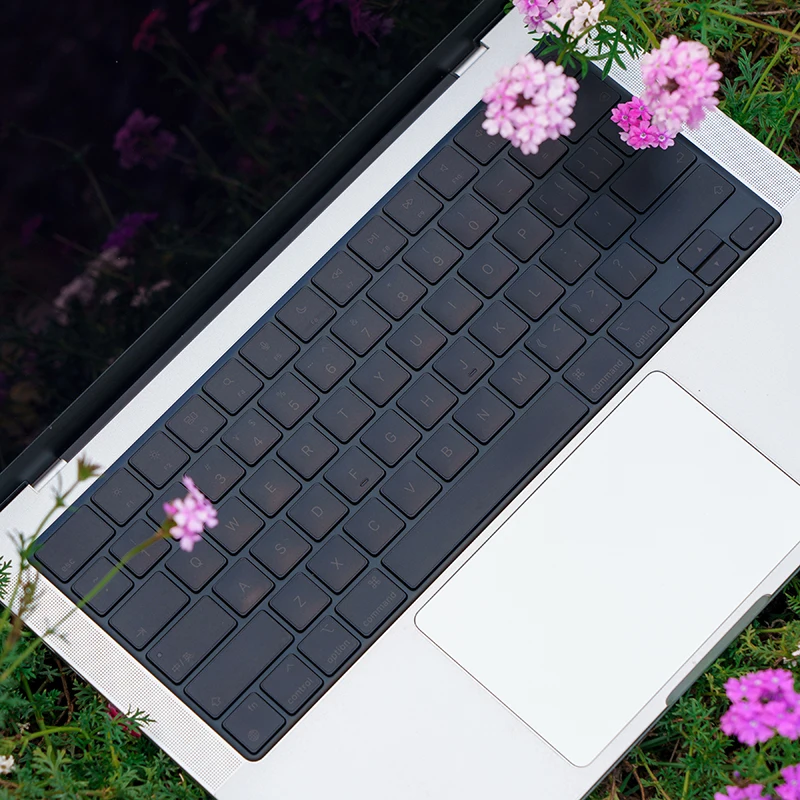
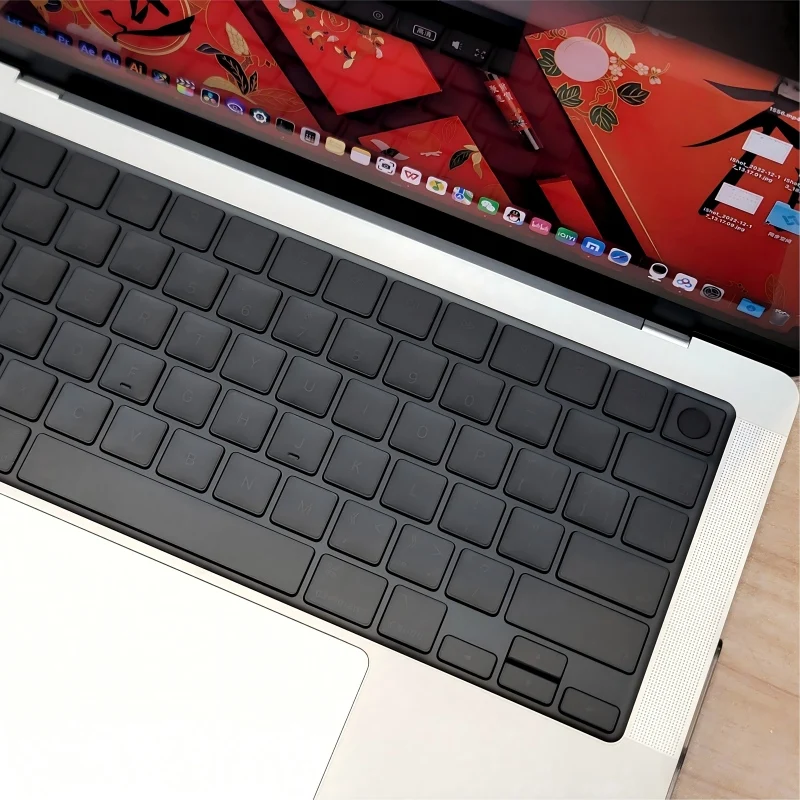
(Us American Version) Translucent Gray Mbp Suitable for Apple Mac Book Keyboard Stickers, Translucent Protective Stickers, Compatible with 13- 16inch MacBook Air/Pro
Nuovo
$20.00 USD
✓ Pagamento sicuro✓ Aggiornamenti sulla spedizione✓ Assistenza clienti
Product details
Specifications
SPECIFICATIONS
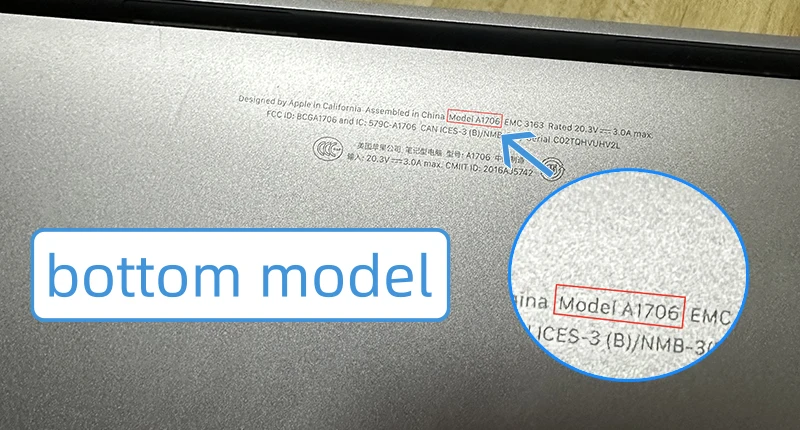
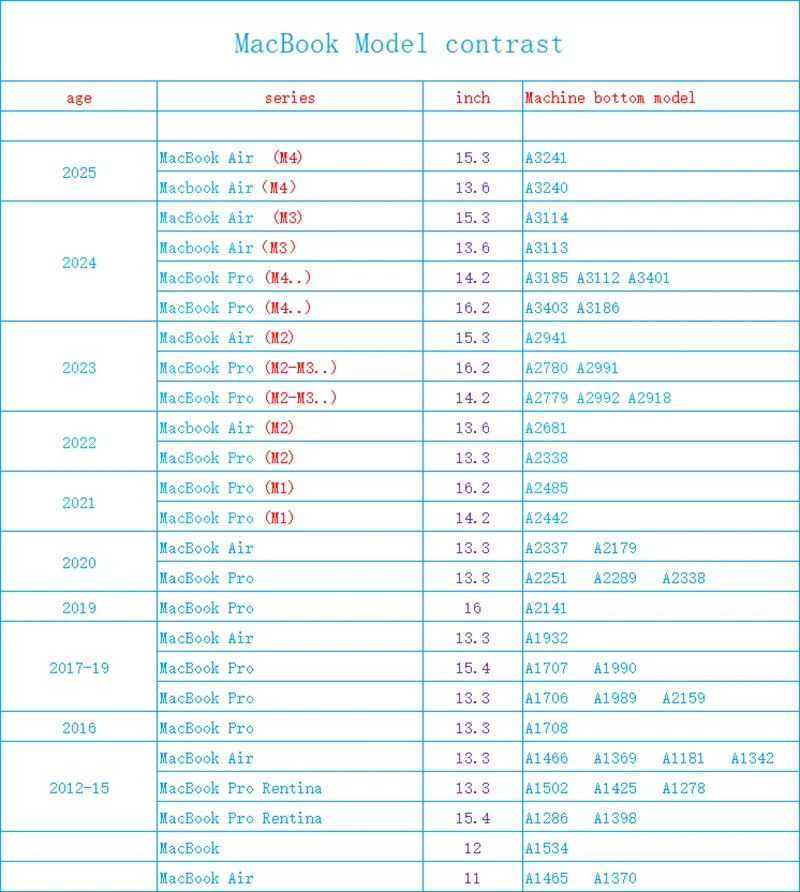
Applicable Models: Macbook
Application Size: laptop keyboard
Brand Name: JiYiShe
Choice: yes
Function: Waterproof
High-concerned chemical: none
Material: Plastic
Origin: Mainland China
Package: Yes
Products Status: STOCK
Thickness: 0.12mm
semi_Choice: yes
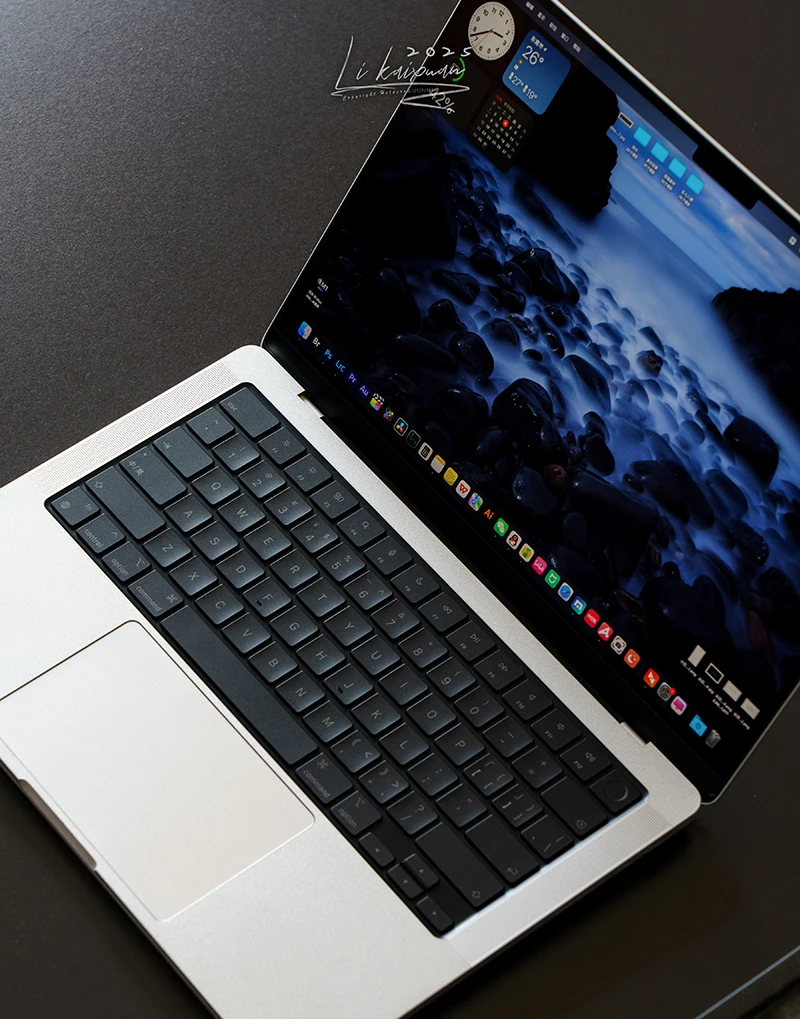
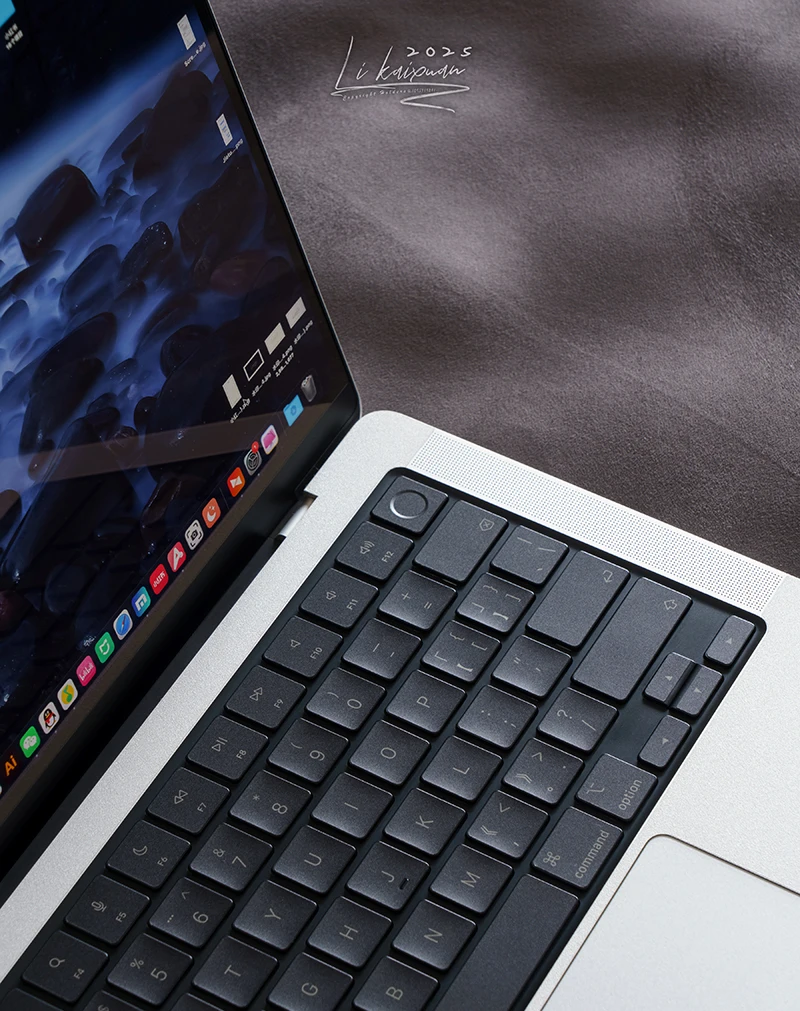
Product introduction: 1. this product uses removable adhesive, leaving no residue after 3 years. 2. the surface is slightly frosted and matte. 3. this product is a semi-transparent gray screen protector (80% light transmittance, no printed letters). after application, the original keyboard letters will be visible (please enable keyboard backlight). this product is not suitable for keyboards with chipped paint or missing letters. 4. the advantages of this product are that it prevents macbook from getting oily and scratched. 5. this product is only 0.12mm thick
⚠️notes⚠️ 1. a small clip is included in the shipping bag. 2. tear the envelope open from right to left using the handle; do not use scissors. 3. apple users should cover the screen when cleaning the keyboard with ethanol to prevent corrosion of the nano anti-reflective coating. 4. try to apply the protector in a well-lit environment during the day; at night, use strong light for more precise application. 5. key protectors come in horizontal and vertical orientations; the sticker is not square.
Screen protector application tutorial: 1. you can start with the esc key, peeling off the protective film one by one and applying it. 2. you can use tools or apply it by hand, whichever is more convenient. when applying the first key, feel the size difference between the film and the keycap, and center the film. make sure the film doesn't extend beyond the edge of the keycap. refer to the gap between the edge of the keycap and the edge of the film when applying it. only begin applying the film after you've mastered the alignment. if you're unsure if it's aligned correctly, don't apply it completely; press it firmly. you can lift it up and reapply it before removing the tweezers. if it's already applied crookedly, it may slightly deform or crease when peeled off. 3. for long keycaps, hold the film by the top corners, aligning the left and right sides, then the bottom, and then apply it. 4. after applying the film, gently scrape it from the inside out with a credit card or similar card to remove any large air bubbles.
⚠️frequently asked questions⚠️ 1. some people may feel a slight sharpness after applying the patch. this will subside after a period of use, similar to the sharp edges of newly trimmed nails that become smoother over time. 2. small air bubbles are normal and will gradually disappear in about one to two weeks, depending on the ambient temperature.