
YnTex
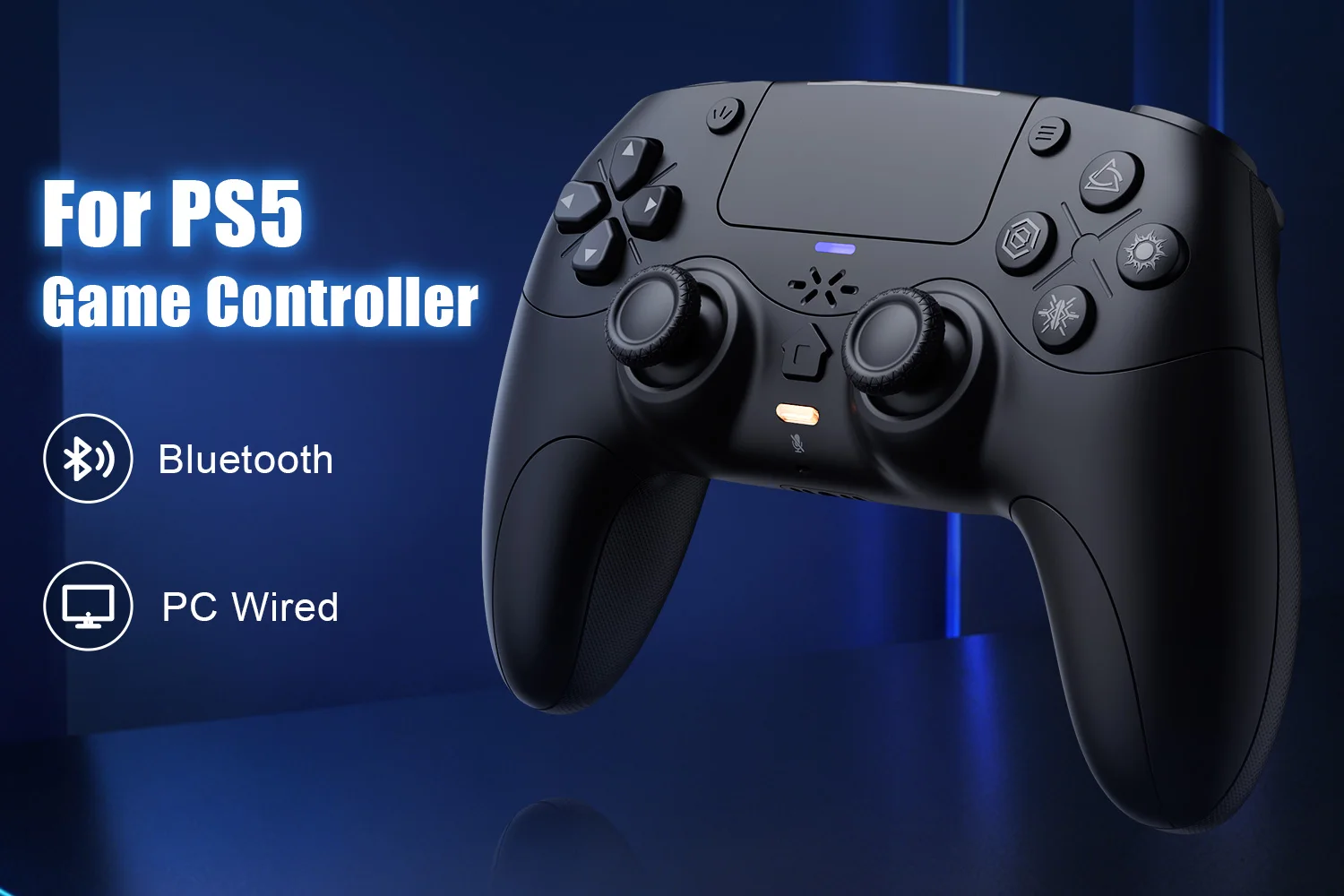
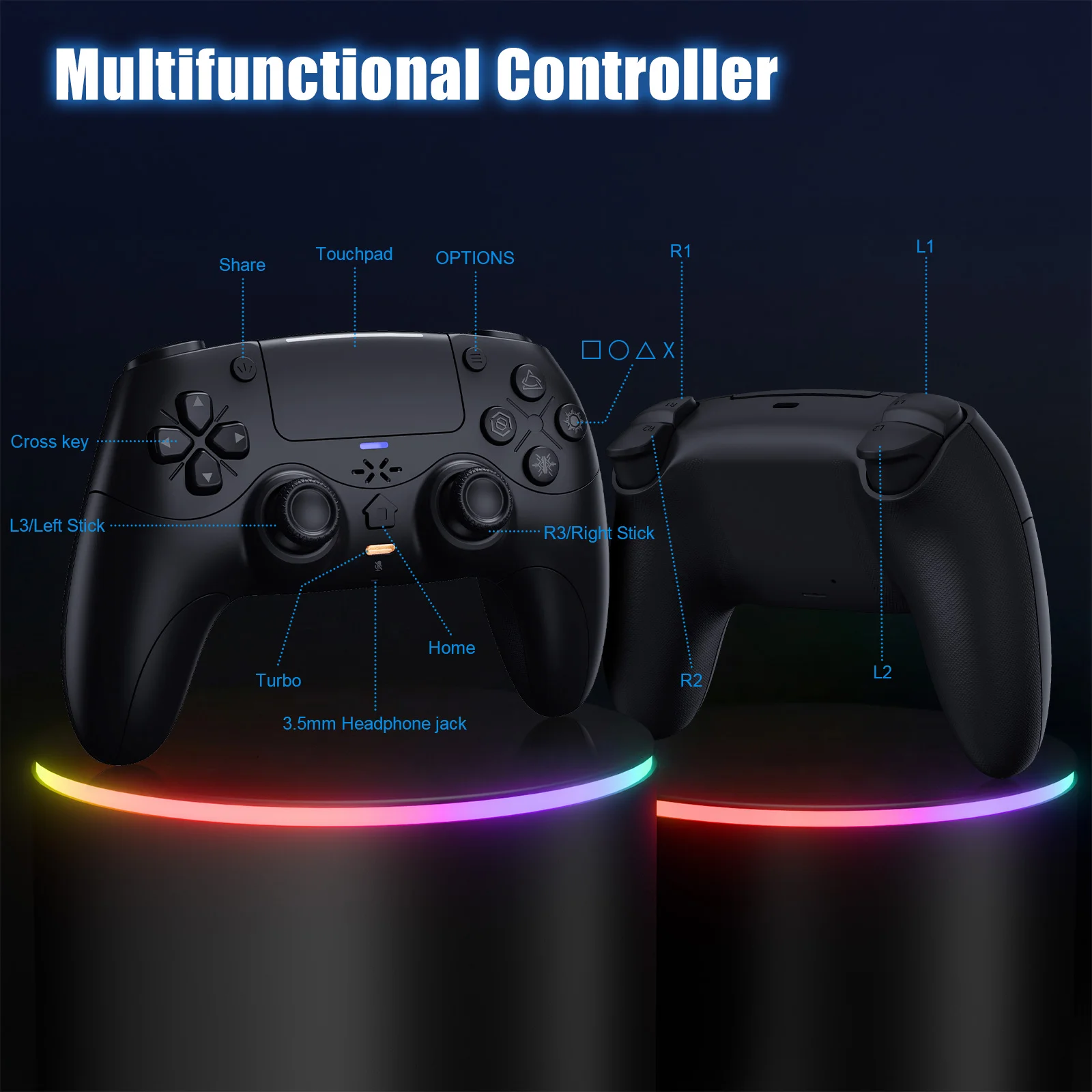
Gamepad For Playstation 5 Wireless with Turbo Dual Sense Vibrate Adaptives Trigger External Mic Gaming PS5 Controller Console
Product details
Specifications
SPECIFICATIONS
ABXY Switch Type: Tactile switch
Battery Included: Yes
Brand Name: Turpow
Bumpers Switch Type: Tactile switch
Certification: CE
Choice: yes
Compatible Brand/Model: Sony
Compatible Platform: playstation,PC
Compatible Sony Model: ps5,PS5 Slim,PS5 Pro
D-pad Switch Type: Tactile switch
Finish Type: Others
Hall Effect: Yes
High-concerned chemical: none
Interface Type: Bluetooth,USB
Model Number: RH-5189
Origin: Mainland China
Package: Yes
Pattern: Others
RGB lighting joysticks: Yes
Support Software configuration: No
Trigger Button Type: Hall-Linear
Type: Gamepads
Wear-resistant joysticks: No
semi_Choice: yes

Product details
PS-5 Host Connection Method:
👉!!! Note: The first time a new controller connects to PS-5,a wired connection is required.
1.When the controller is turned off, connect it to PS-5 via USB cable, then press the "PS button" to connect to PS-5.
2.When the wired connection is successful, disconnect the USB cable and press the "PS" button to connect to PS-5 wirelessly.
PC Wired Connection:
👋1.Power on the PC
2.The controller connects to the computer via a USB-C cable.
Note:
2. PC display names:
PS-5 Wired: DualSenes Wireless Controller --- Light is blue
X-input: PS-5 Controller for Windows --- Light is green
Bluetooth Connection:
For PC/iOS/MAC and Steam Deck
🎮1.Turn on Bluetooth on the PC.
3.Search for Bluetooth "DualSenes Wireless Controller" and click to connect.
4.The controller supports Apple devices with iOS13.0 and above; the Mac
platform supportswired connection and wired audio functionality.5.Steam Deck supports wired connections and wired audio functionality (when connected to Steam Deck in PC mode, the mode can be switched).
6.A Type-C to USB adapter cable is required for wired connection between MAC and Steam Deck.


1. Briefly press the mute button; the mute indicator light will remain on, indicating that the controller's microphone is muted.
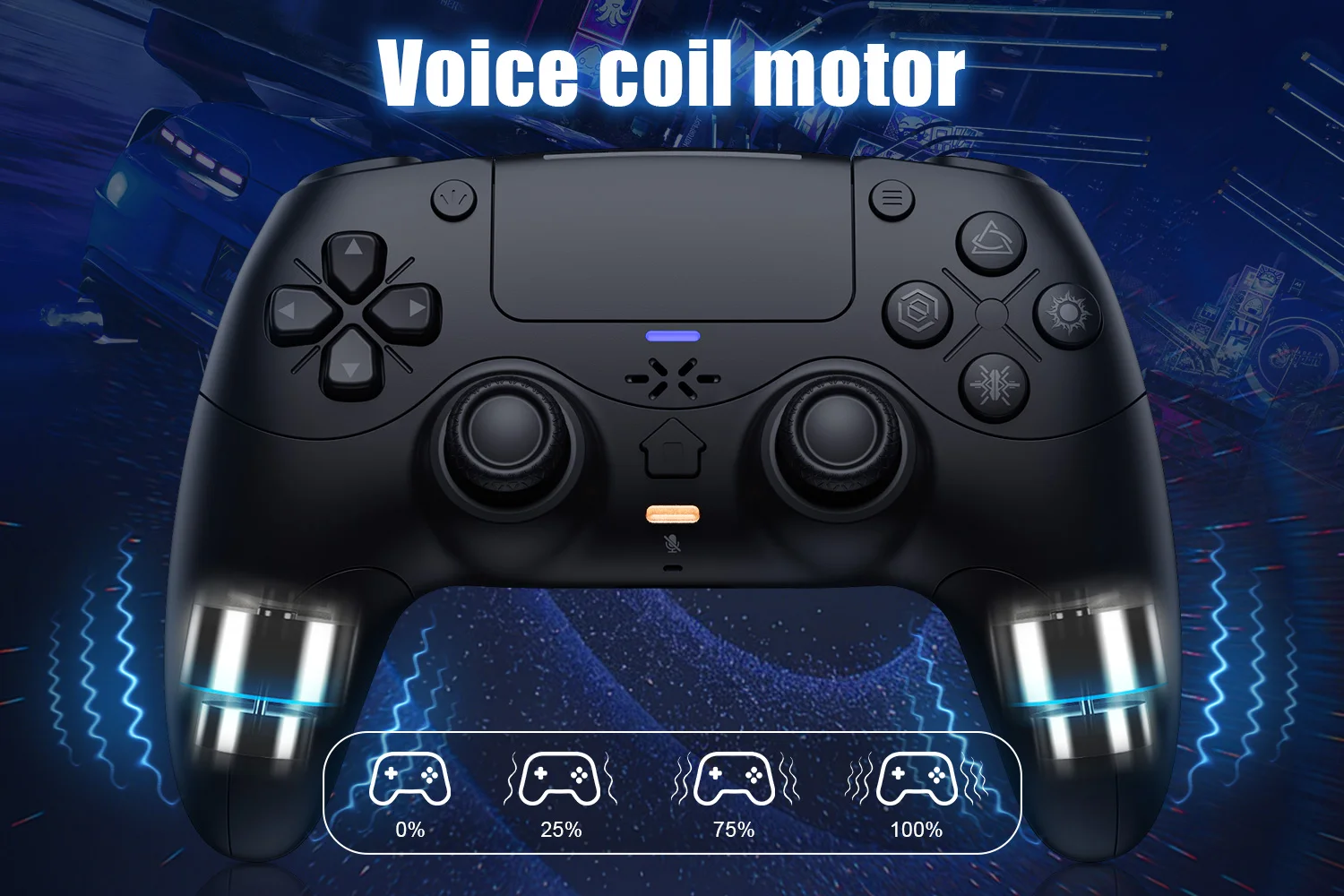
Linear Motors:
Triggers and 3D Joystick Calibration:
1.Hold the buttons,then use the USB cable and power on.The Home button will flash quickly.
2. Press L2/R2 triggers 2 - 3 times, rotate those two 3D joysticks 2 - 3 circles each.Then long -press X key for 1 second to confirm. The Home key will stay on.Calibration is done; power off to save.