YnTex
For Sony PS5 10.20-12.00 BD-J Boot Disc Plug and Play Game Exploit All-in-One Jailbreak Disc Homebrew Play Backup Games
Description
SPECIFICATIONS
Brand Name: NONE
Choice: yes
Genre: Role Playing (RPG)
High-concerned chemical: none
No. of players: Single Player
Origin: Mainland China
Platform: Xbox One
Release Year: 2009
Supported Play Modes: TV mode
Supporting Language: Ukrainian
Product Name: for ps5 10.20~12.00 - All the Tinkering Game Hard Drive Tinkering and CrackingProduct size: 14x17x1cm
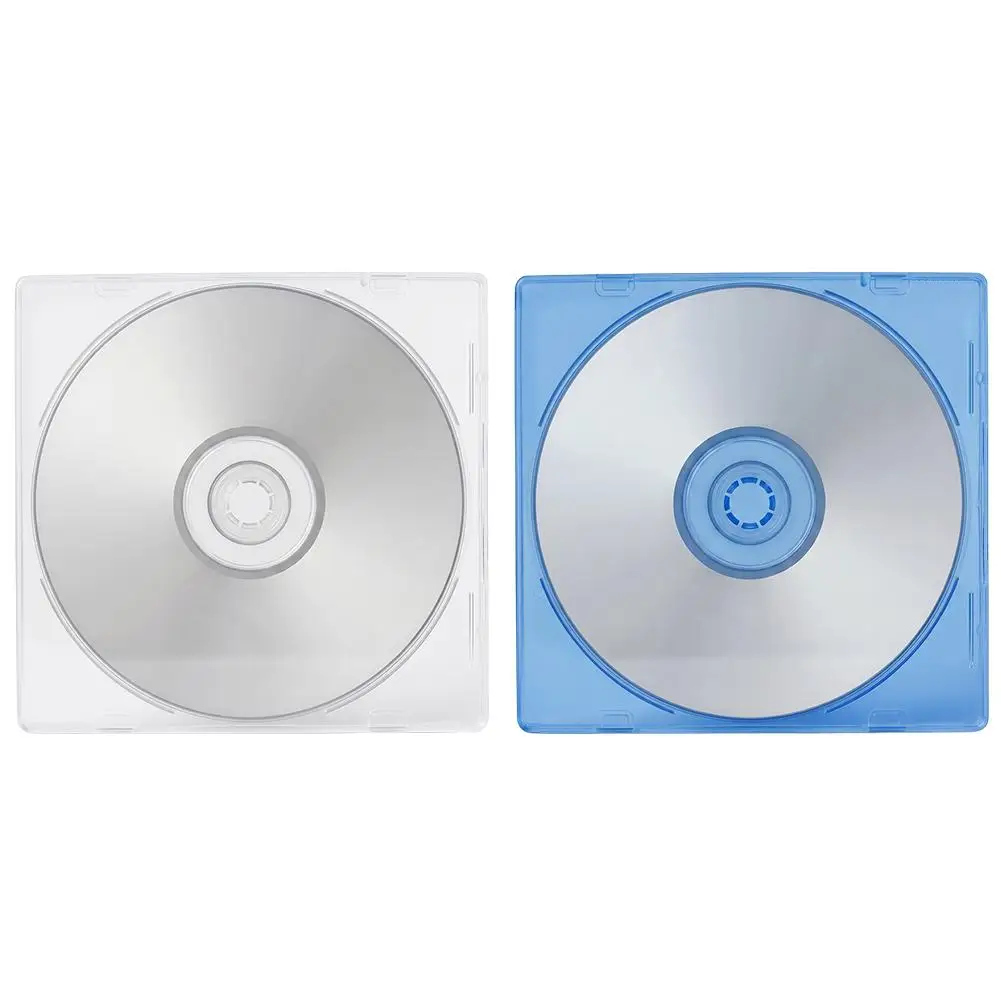
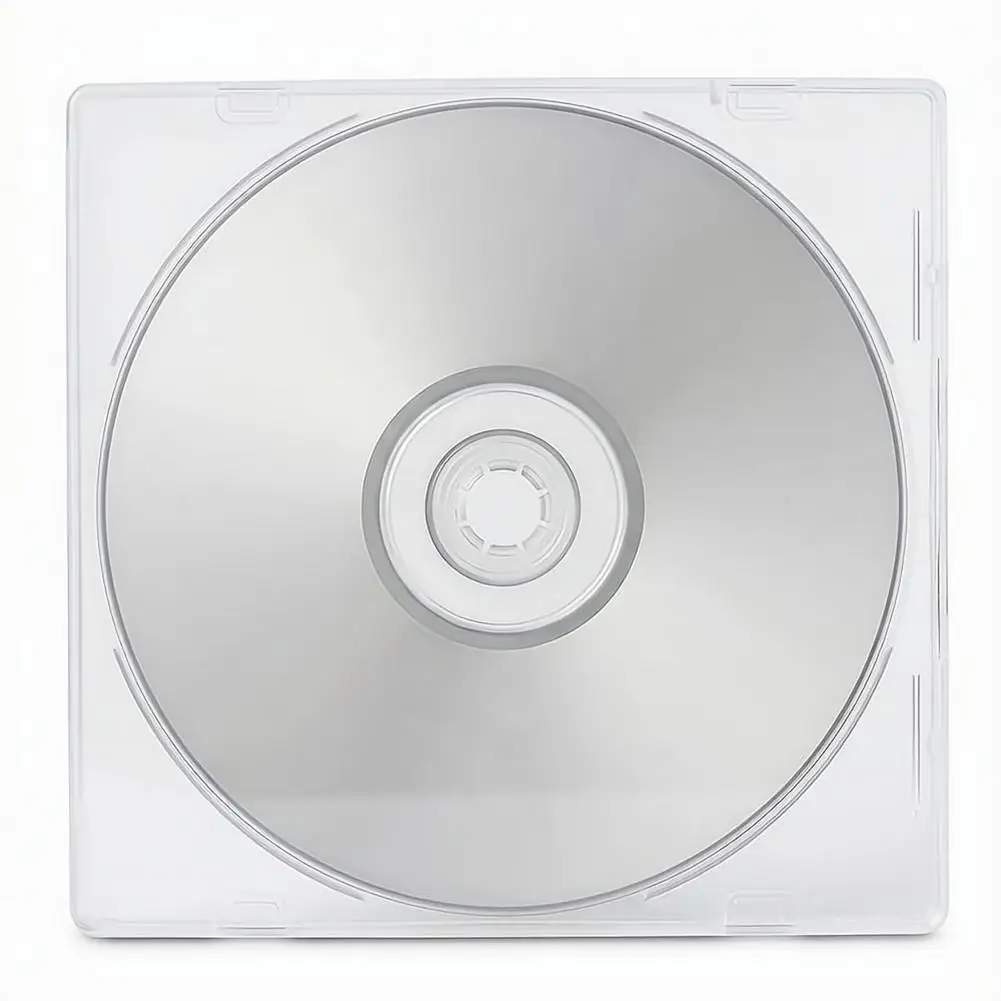
Product color: White tray blue box, white tray white box Fussing with Blu-ray burners
Product material: ABS
Applicable model: for ps5
Description
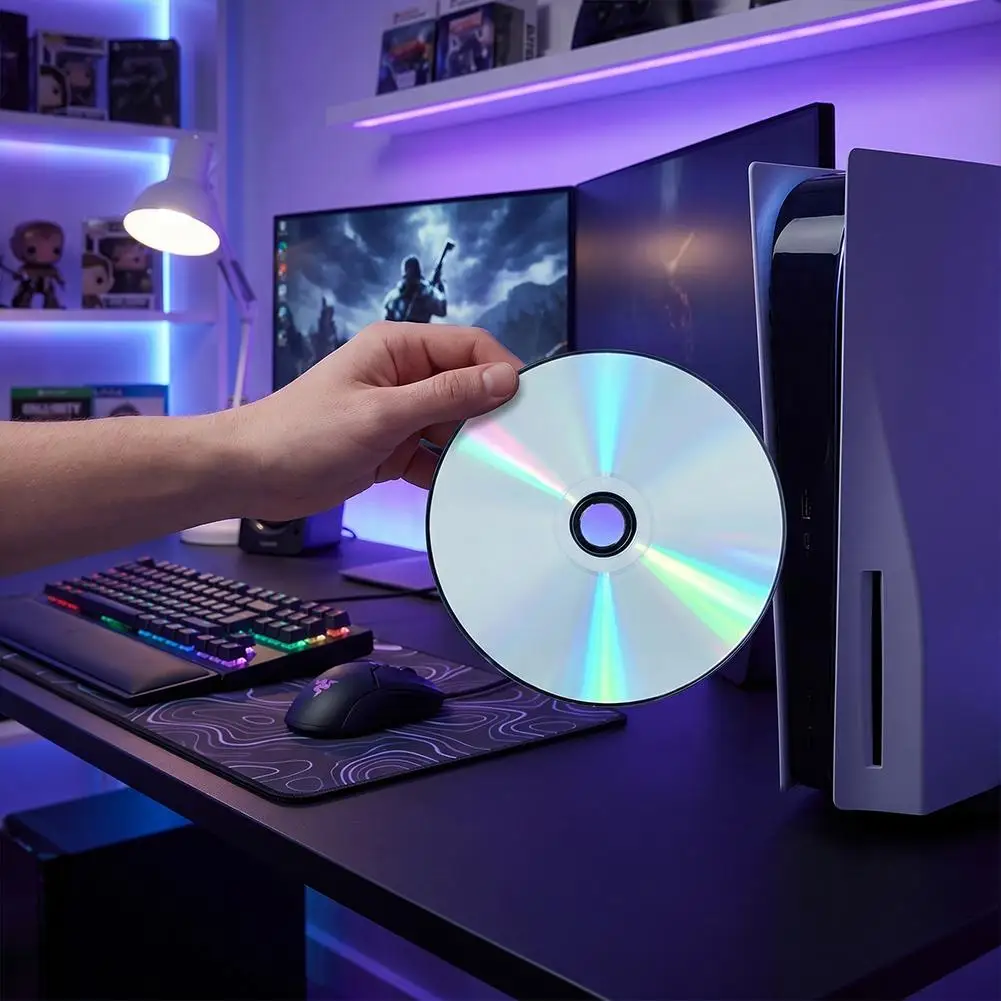
1.Full Compatibility, Easy Setup – Specially made BD-J boot disc designed for ps5 consoles and region codes. Just insert and activate no extra tools, no hassle.
2.Stable & Quiet Operation – Runs smoothly and silently without black screens or crashes. Protects for ps5 las er lens from wear and overheating for long-lasting performance.
3.Wide System Support (10.20~12.00) - Seamlessly works with multiple firmware versions through Lapse Player ensuring reliable use without USB sticks or cables.
4.No internet connection required, no PC operation needed, no need for Star Disk or LUA Disk. A new tutorial 2 has been added. Restoring the Y2jb backup can be done without the need for a computer to send the patch. The process is a simple and straightforward one, taking approximately 55 minutes. In short, first use Y2JBP2JB to obtain the necessary permissions and inject the BDJ patch (the patch is only needed once), and then you can directly use this disc for the process.
The usage method for receiving Blu-ray:
1 : First, turn on the computer and insert the tinker disk → activate Blu-ray → run the BD tinker disk →
2 Note that an image file will be injected here. Run the code → Press the Ps key on the handle to return → restart the host → run BD again